The Best Way to Learn AI: 15 Minutes a Day on Real Work
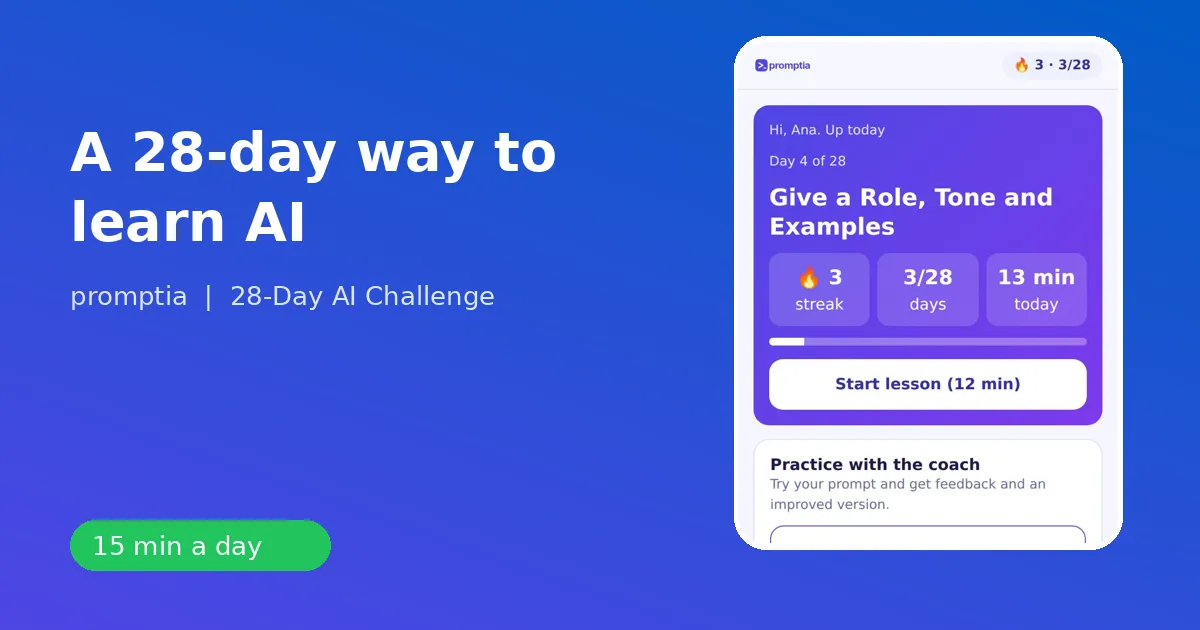
The best way to learn AI is to practice a little every day on real tasks from your own work, in an order that goes from prompts to writing, then images and automation. Reading about AI makes you feel informed. Using it ten minutes a day makes you fast.
If you have tried watching tutorials and nothing stuck, the problem is the format, not you. Here is a method you can follow with any tool, and the way 28-Day AI Challenge packages it in 28 days.
Why binge learning fails
Take a typical scenario. On Sunday you watch three hours of videos on ChatGPT. Monday you open the tool and stare at the empty box. By Wednesday you are back to doing the task by hand. Three problems explain it.
- No retrieval. You watched a demo, you never produced anything yourself.
- No context. The examples were someone else's job.
- No feedback. Nobody told you whether your prompt was good.
Fix those three and learning speeds up. Daily practice gives you retrieval. Job-specific examples give you context. A coach or a checklist gives you feedback.
The method: a four-week ladder
Week 1: learn to ask
Everything starts with prompts. The core lessons are what an assistant does and does not do, the structure of a good prompt (role, context, task, format), iterating in three rounds, controlling tone with examples, summarizing long text, verifying answers, and building a personal prompt library. By day 7 you own a small set of prompts you can reuse.
Week 2: write and analyze
Now apply it. Professional emails, long documents built outline first, tables and spreadsheet formulas, quick research with sources, weekly planning, meeting minutes with action items. Day 14 ends with your own three-step workflow for a weekly task.
Week 3: images, video and presentations
Generate and edit images, make a piece in Canva, build an eight-slide deck, script a 30-second vertical video, transcribe audio. Day 21 is a mini project that combines image, text and video.
Week 4: automate and plan
Automate a repeated task with a no-code tool, create a custom assistant with your instructions and documents, chain tools into an agent-style workflow, update your professional profile, define a simple service offer and finish with a 90-day plan.
The daily routine that sticks
A session in 28-Day AI Challenge takes between 10 and 15 minutes and always has the same shape:
- Read the micro-lesson (five to ten minutes, three short ideas).
- Do the exercise with a starter prompt you adapt to a real task.
- Check yourself with two quiz questions.
- Ask the coach to review your prompt if you want a second opinion.
- Close the day: a badge unlocks and the streak moves up one.
The exercise always has success criteria, for example: you used a real task, the result has clear context and format, and you corrected at least one point before calling it final. Those three lines are what turns a lesson into a habit.
Make it personal
AI is most useful when it touches your job. The app asks for it once and then reshapes each lesson. A customer support rep sees reply drafts for complaints on day 1. A teacher is asked for a 20-minute lesson outline. An office administrator organizes a team schedule. An entrepreneur asks for service name ideas. The lesson is the same, the example is yours.
Three habits that matter more than the tool
Write the task before you open the assistant. One sentence: what do I need, for whom, in what format. That sentence is half the prompt.
Always iterate at least twice. "Shorter", "more direct", "add a table". The third version is usually the one you keep.
Verify one thing every time. A number, a name, a date. You will start to notice where assistants go wrong, and that makes you a better user than most people who have used them for a year.
A realistic timeline
- Days 1 to 3: you stop being intimidated. You get useful drafts.
- Days 4 to 7: you have a prompt library and notice which of your own tasks suit AI.
- Days 8 to 14: the weekly emails, documents and summaries get noticeably faster.
- Days 15 to 21: you produce visuals and presentations you would have outsourced or skipped.
- Days 22 to 28: you start building reusable assistants and workflows, and you leave with a plan.
Nothing here requires a technical background, and nothing here promises a particular financial outcome. It promises that you will know how to use these tools well, which is the thing that compounds.
Common mistakes to avoid
- Starting with the most advanced tool instead of the basics.
- Pasting confidential information into a public assistant.
- Accepting the first answer.
- Copying other people's prompts without adapting them to your context.
- Skipping a day and deciding the plan is ruined. If you miss one, do the next lesson and keep going.
Where to go from here
If you are comparing options, read what an AI course for beginners should include. If your goal is a specific outcome in a month, see how to use Claude AI for real work. And for the career angle, AI upskilling explains how to talk about these skills at work.
The best way to learn AI is not a secret. It is small, daily, specific and checked. Pick the plan that makes that easy, and start with today's task.
A sample week in practice
To make this concrete, here is how a customer support rep might spend week 2. On day 8 she asks the assistant to draft a reply to a delayed-order complaint, gives it the tone and the new delivery date, and edits one sentence. On day 9 she builds an outline for a one-page FAQ guide for her team, then fills it in one section per message. On day 10 she pastes a small table of tickets and asks for a count by category and a formula to do it again next month. On day 11 she compares two refund policies with sources. Day 12 turns a messy to-do list into a prioritized plan for the week. Day 13 converts rough call notes into minutes and three action items. Day 14 she packages the three most useful prompts of the week into one repeatable workflow.
Nothing in that week needed new software or a technical background. Each step took about a quarter of an hour, and every output was something she could use that same afternoon. That is what a good learning plan feels like: not a course you finish, but a set of small wins that make the next task easier.
How to know it is working
Track one number in your first month: the minutes a recurring task takes before and after. Pick something you do weekly, such as a status email, a report or a lesson plan, and time it on day 1 and day 28. You will have your own evidence of progress, and you will not need anyone's promises.