AI Tutor App: What a Good Daily Learning Plan Looks Like
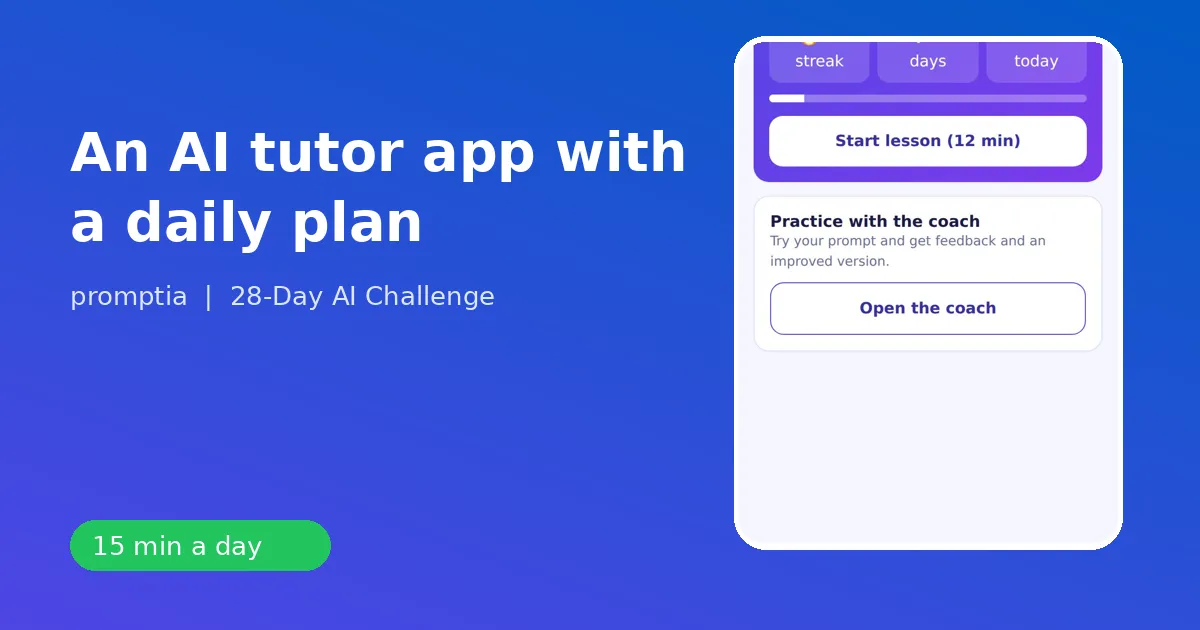
A good AI tutor app gives you a day-by-day plan, short lessons, an exercise on a real task and feedback on what you wrote, all in a session small enough to do every day. The reason apps work for this skill is that the habit matters more than the content: ten focused minutes beat a long course you open twice.
Here is what to expect from a learning app for AI, step by step, using 28-Day AI Challenge from Promptia as the example.
The five tabs, explained
The app is organized around what you do each day.
Today
Your lesson for the day. A micro-lesson of three short ideas with a goal at the top, for instance Understand what an AI assistant does and have your first useful conversation. Under it, an exercise with instructions, a starter prompt and success criteria, then a two-question quiz. It takes 10 to 15 minutes.
Plan
The whole 28-day path in four weeks. You see what is done, what is next and what is coming:
- Week 1: fundamentals and prompts.
- Week 2: writing and analysis with ChatGPT and Claude.
- Week 3: images, video and presentations.
- Week 4: automation, freelancing paths and your next steps.
Coach
A chat where you paste the prompt you wrote for the exercise and get feedback on role, context, task and format. It has a daily limit, so you keep it for the moment you most need a second opinion. The AI coach guide explains what it checks.
Extras
Optional material that complements the main plan. Extras sold separately, such as a pack with a practical guide to 20 AI tools, are labeled as such, and the main plan stands on its own without them.
Profile
Your streak, badges, job and progress. When you finish day 28, your certificate of completion lives here.
How a typical day goes
Say it is day 10, "Analyze data with AI: tables and Excel," 13 minutes.
- You read three ideas: ask for formulas, ask for cleanup, ask for a plain-language read of the result.
- The exercise gives you instructions and a starter prompt. You adapt it to a small table from your own work, such as a monthly expense list or a ticket log.
- You write your version and run it in ChatGPT or Claude.
- You compare the result to the success criteria: a real task, clear context and format, and at least one correction before calling it final.
- You answer the two quiz questions and unlock the day's badge.
That is the entire day. It is deliberately small so that it fits before work, at lunch or on a commute.
Personalization by job
At the start, the app asks about your job and goals. The lessons keep the same structure but swap examples: an educator gets lesson outlines, a customer support rep gets reply drafts, a designer gets concept ideas, an entrepreneur gets service names, a technical person gets explanations for clients and an administrator gets schedules. The point of personalization is that your first week should feel useful for your own tasks, not for a generic one.
Why streaks and badges
They are not decoration. Habit research and everyday experience agree that visible streaks help people return. A badge per day, such as "Text Architect" after the day-9 lesson on long documents, gives each session a small completion moment. The certificate at day 28 is a closing mark, but the real outcome is the set of prompts, workflows and plans you built along the way.
What to ask before choosing an app
- Does it adapt examples to my job?
- Are sessions under 15 minutes?
- Is there feedback on what I write?
- Does it teach more than one assistant?
- Does it finish with a plan, not just a certificate?
- Is it clear what is included and what is sold separately?
What an app cannot do
An app does not do the practice for you. It gives structure, reminders and feedback. You supply the real tasks. It also cannot guarantee any income or job outcome. What you get is a skill set, applied to your own work, that you can use immediately.
Where it fits in your learning
If you want to compare formats, the beginner course checklist covers video courses, bootcamps and apps. For the method behind daily practice, see the best way to learn AI. For teams or workplace use, AI training for employees adds safe-use rules.
A first-day checklist
- Choose your job and goal in the signup quiz.
- Open Today and read the day-1 lesson.
- Pick a real task for the exercise, such as an email you have to write or a plan you have to organize.
- Run the starter prompt in the assistant you prefer.
- Follow up twice, then check your result against the criteria.
- Finish the quiz and see your first streak.
Fifteen minutes later you have done more with AI than most people do in a month of curiosity.
Common questions about daily limits and access
The coach limit resets each day, which means you can come back tomorrow with a new exercise and fresh feedback. If you skip a day, your plan simply waits: pick up where you left off, the streak restarts and nothing else is lost. Because the app runs in the browser, you can start on your phone in the morning and continue on a laptop in the evening with the same account and the same progress.
What week 4 looks like in the app
By the last week you have the basics, so the sessions get more ambitious. Day 22 asks you to identify a repetitive task and automate it with a no-code tool. Day 23 has you build a custom assistant with your own instructions and documents. Day 24 chains several tools into a workflow for a complete task. Days 25 to 27 turn the skills outward: updating a professional profile, building a portfolio piece, defining a simple service offer and drafting an outreach message. Day 28 closes the loop with a personal 90-day plan. There are no promises about outcomes in these lessons. They are exercises that help you decide what you want to do with the skill.
Signs the plan is working for you
You open the Today tab without dreading it. Your first prompt draft is longer and more complete than it was on day 1. You catch an error in an answer before the coach or the quiz mentions it. You reach for the assistant at work without being reminded. These are small signals, but they are the ones that show a habit has formed.