AI for Small Business Owners: Where to Start and What to Automate
Small business owners get the fastest return from AI by pointing it at the repeated, text-heavy jobs that eat their week: customer messages, marketing copy, quotes, planning and summaries. You are already the expert in your business. The assistant supplies speed and a first draft.
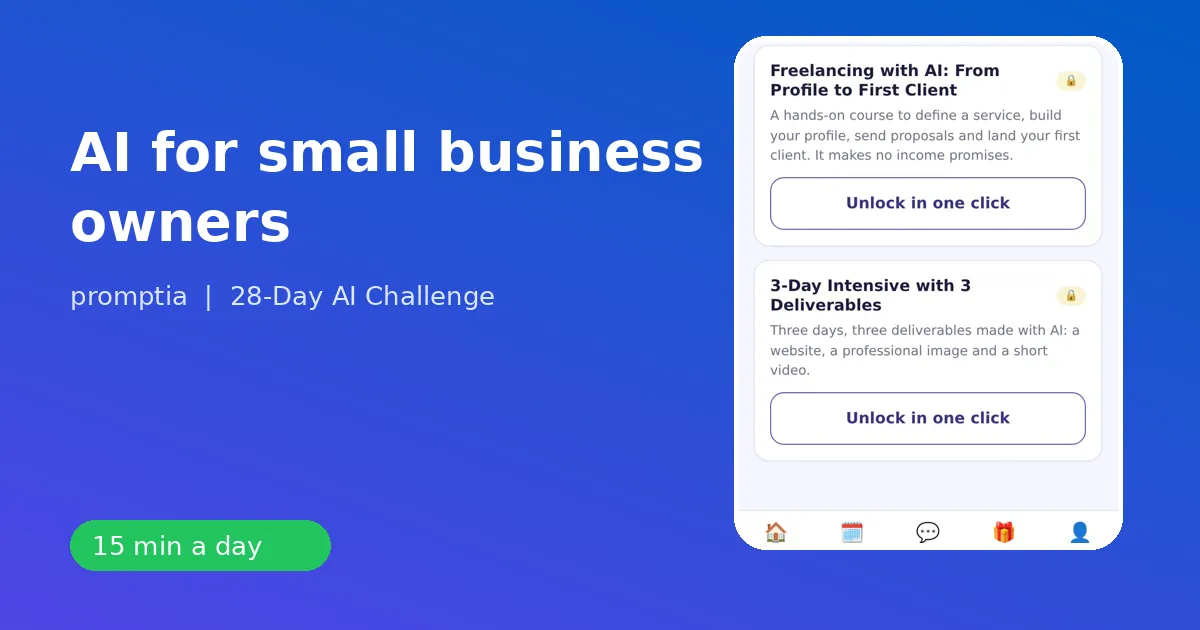
This guide gives you concrete prompts for each of those jobs, the guardrails to keep your business safe and a path to learn it in about 15 minutes a day with 28-Day AI Challenge from Promptia.
Start with a time audit
Before opening any tool, list the tasks you did last week that involved writing, reading or organizing. Typical items:
- replies to customers and suppliers,
- social posts and product descriptions,
- quotes and proposals,
- weekly planning,
- summaries of calls and meetings,
- spreadsheets and simple reports.
Choose one. Time it. After using the assistant, time it again. This comparison is the only measure that matters for your business.
Seven uses with prompt examples
1. Replying to customers
You are the owner of a small bakery. A customer asks if we can deliver a custom cake tomorrow. We need 48 hours' notice. Write a friendly reply of about 70 words, offering the next available date and a pickup option.
2. Marketing copy
Write three versions of an Instagram caption for a new weekend brunch menu. Audience: young families nearby. Tone: warm and playful. Max 40 words each, with one clear call to action. Compare, pick one, edit it to sound like you.
3. Offers and names
The day-1 example for entrepreneurs in the plan is to ask for five name ideas for a service you want to offer. Then you iterate: Shorter. More professional. Avoid words ending in "ly."
4. Quotes and proposals
Create a one-page proposal for a client who wants a website refresh. Include scope, three deliverables, a timeline of four weeks and a short list of assumptions. Add your real prices and terms yourself.
5. A condensed business plan
Day 9 of the challenge uses this very example: build the outline of a two-page plan first, then fill it in section by section. It is a good way to clarify your next quarter.
6. Simple analysis
Paste a small table of sales by product, with no personal data, and ask for the top three trends, what looks unusual and a formula to repeat the analysis next month. Always double-check the numbers.
7. Meeting and call notes
Turn these rough notes into minutes: decisions, owners, deadlines, open questions. Ten minutes of notes become a clean follow-up message.
Automations worth building later
After you are comfortable, week 4 of the plan helps you:
- automate a repeated task with a no-code tool,
- create a custom assistant with your own instructions and documents, like a helper that drafts replies using your price list and policies,
- chain tools together to complete a whole task.
Do this only after the manual version works well. An automation of a bad process just makes mistakes faster.
Guardrails for a small business
- Privacy: keep customer personal data out of public assistants.
- Accuracy: prices, availability and legal terms must come from you.
- Honesty: do not use AI to invent reviews or fake endorsements. Platforms and regulators prohibit it, and customers notice.
- Brand voice: paste a few examples of your best writing and ask for matches.
- Human touch: personal messages to loyal customers deserve your own words.
How the 28-day plan helps an owner
The plan is short sessions of 10 to 15 minutes, with a lesson, an exercise on a real task and a two-question quiz, plus a coach that reviews your prompts, with a daily limit. In the quiz you choose the entrepreneur job and the examples follow: service ideas, a condensed business plan, outreach messages and a simple service offer.
| Week | What you build |
|---|---|
| 1 | Prompts, verification and a personal library |
| 2 | Emails, documents, tables, research, weekly planning, minutes |
| 3 | Images, slides, short video, audio and a mini project |
| 4 | Automations, custom assistant, profile and a 90-day plan |
An optional pack with a guide to 20 AI tools is sold separately if you want help choosing software, but it is not needed for the plan.
What to expect
Expect your first week to give you faster drafts for emails and posts, your second to improve documents and planning and your third to produce visuals you would have skipped. Do not expect AI to run your business. It does not know your customers or your costs. You do, and that is why the combination works.
Keep reading
For choosing software, see the best AI tools for work. For a customer-facing role, ChatGPT for customer service has prompts for tone and policy. If you are building skills for your own career as well, read AI upskilling.
Pick one repeated task, brief the assistant, edit the result and save the prompt. Next week, do it again with another task.
A worked example: one week for a service business
Imagine you run a small cleaning company with two employees. On Monday you ask the assistant to turn your price list and service areas into a short, friendly reply template for new inquiries, with placeholders for the name and the date. On Tuesday you paste a rough description of your service and ask for three versions of a short website paragraph, then keep the one that sounds like you. On Wednesday you ask for a weekly plan that groups jobs by neighborhood to reduce travel, and check it against your real schedule. On Thursday you turn your notes from a client visit into a clear quote with scope and assumptions, and fill in the real prices yourself. On Friday you ask for a checklist your team can use at the end of each job. Five small tasks, a few minutes each, and the business sounds more consistent and organized the next week.
How to keep it sustainable
Do not try to change everything at once. Add one assistant-supported task per week, keep the prompts that work in a shared document and review the results monthly. If a prompt keeps producing drafts you rewrite from scratch, either the brief is missing context or the task is not a good fit. That is useful information, and the daily practice in the plan teaches you to tell the difference.