The Best AI Tools for Work: What to Learn First and Why
The best AI tools for work are the ones that match a task you do every week, and the smartest order is one general assistant first, then research, documents, visuals and automation. A long list of tools impresses nobody. A short set you can use fluently saves you hours.
Below you will find the groups of tools worth learning, the job each does best, how to choose and how 28-Day AI Challenge from Promptia walks through them in four weeks.
Group 1: text assistants
These are the foundation. You will use them daily for drafting, summarizing, brainstorming and analysis.
- ChatGPT: versatile, strong for drafts and analysis.
- Claude: very good with long texts and nuance.
- Gemini: built into Google Workspace, handy if you live in Docs and Gmail.
Learn one first, then try the same prompt in another. Week 2 of the challenge, "Write and analyze with ChatGPT and Claude," does exactly that.
Group 2: research and knowledge
- Perplexity: answers questions with sources, useful for quick research and comparisons.
- NotebookLM: lets you chat with your own documents, great for preparing material from files you already have.
The key habit here is verification. Open the cited source before you rely on a claim. Day 11 teaches research and comparison with sources, and day 6 teaches how to spot errors.
Group 3: documents, data and planning
The assistants above can also build outlines, draft reports, produce spreadsheet formulas and turn notes into minutes. Days 9 to 14 of the plan focus on writing long documents with structure, analyzing simple data with tables and Excel, researching, planning weekly priorities, running meetings and building a personal three-step workflow.
Group 4: images, slides and design
- Image generators for illustrations and concept art.
- Canva and its AI assistant for complete pieces from templates.
- AI presentation tools for turning an outline into a deck. In the plan, day 18 has you build an eight-slide presentation in minutes.
Use these when a visual would otherwise cost you an evening or a freelancer's invoice. Day 16 covers editing: removing backgrounds, retouching, resizing.
Group 5: audio and video
Transcription, translation and synthetic voice help you turn meetings and calls into text. Short video tools help you produce a 30-second vertical clip from a script. Day 19 and day 20 cover both.
Group 6: automation and custom assistants
Once you know what you repeat, you can automate it with a no-code tool or build an assistant with your instructions and documents. Days 22 to 24 teach automation, custom assistants and multi-tool workflows. This is where time savings compound, but only after the earlier skills are solid.
How to choose, in five questions
- What task do I repeat weekly? Choose a tool for that task, not for the novelty.
- Does it have a plan I can try without commitment? Test before paying.
- Where does my data go? Read the privacy settings. Ask your employer.
- Can I get the result in two or three prompts? If not, it may be the wrong tool or the wrong prompt.
- Does it plug into what I already use? Google users may prefer Gemini for Docs. Microsoft users may prefer the assistants built into their suite.
A sensible order of learning
| Week | Focus | Tools involved |
|---|---|---|
| 1 | Prompts and verification | One general assistant |
| 2 | Writing, data and research | ChatGPT, Claude, Perplexity |
| 3 | Visuals, slides, audio, video | Image tools, Canva, presentation and video tools |
| 4 | Automation and assistants | No-code automation, custom assistants |
This is the order of the four weeks in 28-Day AI Challenge. Each day takes 10 to 15 minutes, includes an exercise with a starter prompt and ends with a two-question quiz. A coach reviews your prompt, with a daily limit. The examples inside the lessons change with your job, so a designer, a support rep and an administrator practice on their own tasks.
An optional extra
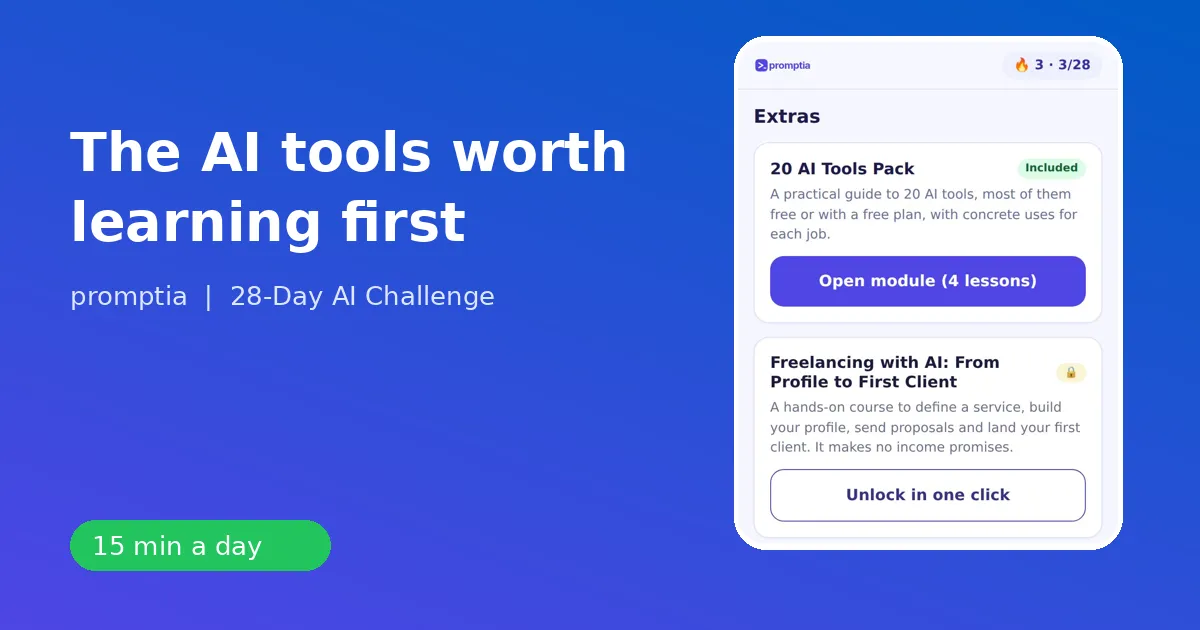
If you want a deeper comparison, there is a separate pack, sold separately, with a practical guide to 20 AI tools, most of them with a no-cost plan, including concrete uses for each job. It starts with five text assistants (ChatGPT, Claude, Gemini, Perplexity and NotebookLM) and includes exercises to try the same request in each and pick a favorite. The main plan does not depend on it.
Mistakes people make with tools
- Collecting tools and never mastering any.
- Switching whenever a new one trends.
- Ignoring privacy.
- Skipping the prompt skills and blaming the tool.
Where to go next
If you want to master the foundation first, read the prompt engineering guide. For the Claude specifics, see how to use Claude AI. To bring tools to a team, see AI training for employees, and for a smaller company, AI for small business owners.
Pick one task you repeat every week, choose one tool from the list and spend 15 minutes a day on it for two weeks. That is how a list becomes a skill.
A worked example: one task, three tools
Take a common task: prepare a short briefing on a new market for a Monday meeting. With a tool-by-task mindset it looks like this. First, ask Perplexity for a sourced overview and open two of the sources yourself. Second, paste your notes and the sources into Claude or ChatGPT and ask for a one-page briefing with a table of risks and opportunities, written for a busy manager. Third, ask the assistant for an eight-slide outline and build the deck with a presentation tool or Canva. Total time is a fraction of doing it by hand, and every step has a check: you opened the sources, you read the draft and you adjusted the deck.
The point is not the brand names. It is that each tool has a job, and your prompt skills move the work from one to the next. That is why the plan teaches structure first and tools second, so a change in the market does not leave you starting over.
How often tools change
Features, limits and plans change often, and new products appear every month. Treat any list, including this one, as a snapshot. What lasts is the routine: define the task, write the brief, check the output, save the prompt. A person who has that routine can pick up a new tool in an afternoon.