AI Training for Employees Who Want to Learn on Their Own Time
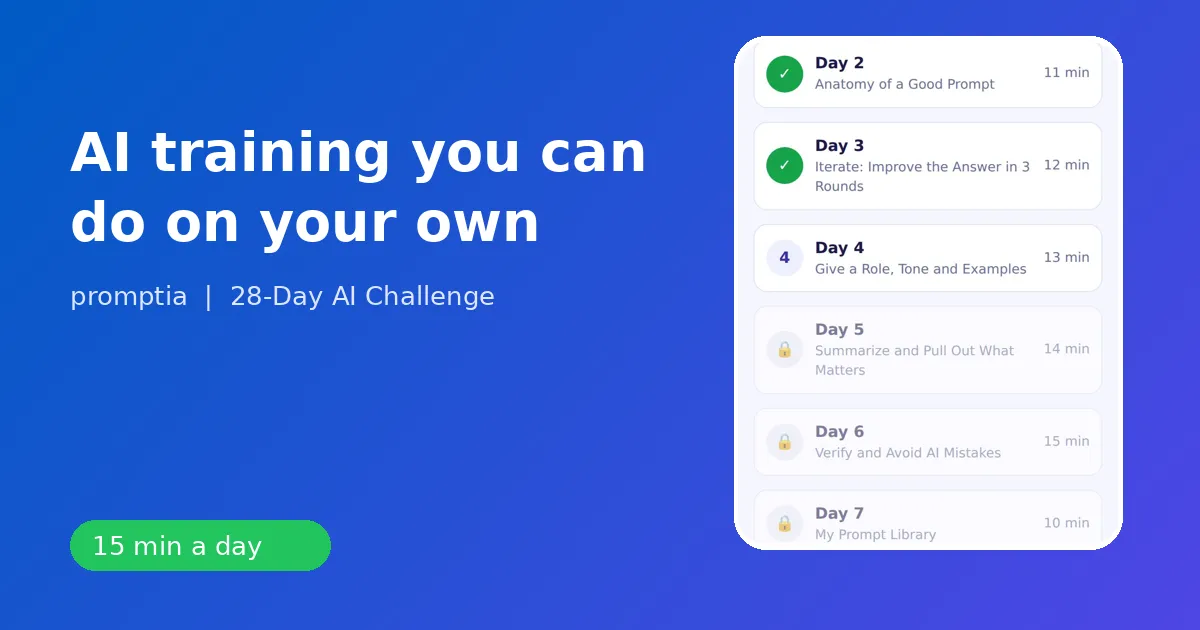
The most practical AI training for employees is self-paced, short and tied to the tasks you already do, so every lesson ends with a result you can use at your desk the same day. Waiting for a company program is optional. A focused routine of about 15 minutes a day works around meetings and deadlines.
This guide covers what to learn, the order, the safe-use rules and how the 28-day plan of 28-Day AI Challenge from Promptia is built for working people.
What employees actually need
Most employees do not need to build models or write code. They need to use assistants well on work they already own:
- writing and rewriting emails and messages,
- summarizing long documents, threads and meeting notes,
- organizing information into tables, plans and checklists,
- preparing presentations and simple visuals,
- researching and comparing options with sources,
- automating a repeated task.
That list maps directly to the four weeks of the plan.
Rules for safe use at work
Learn these before the tools:
- Know your employer's policy. Some companies approve specific tools and ban others.
- Keep confidential data out. Replace names, figures and client details with placeholders.
- Verify before you send. An assistant's confidence is not accuracy. Day 6 of the plan is entirely about spotting mistakes.
- Own the result. What you send is yours, whatever helped you write it.
- Be transparent where required. If your team asks, say how you used the tool.
A four-week plan that fits a workday
Week 1: fundamentals and prompts (days 1 to 7). How assistants behave, the anatomy of a prompt, iterating in three rounds, controlling tone with examples, summarizing, verifying and building a prompt library.
Week 2: write and analyze (days 8 to 14). Professional emails, long documents with structure, data and Excel help, research, weekly planning, meeting minutes and a personal three-step workflow.
Week 3: images, video and presentations (days 15 to 21). Generate and edit images, design with Canva and AI templates, build an eight-slide presentation in minutes, make a short video and handle audio and transcripts. Day 21 combines it all in a mini project.
Week 4: automation and next steps (days 22 to 28). Automate a repeated task, create a custom assistant, chain tools, update your professional profile, learn how to offer AI-based services if you wish and finish with a 90-day plan.
Each day runs 10 to 15 minutes. You read a micro-lesson, do an exercise on a real task and answer two quiz questions. A coach can review the prompt you wrote.
Job-specific examples
At signup, the quiz asks about your job and objective. The examples inside lessons change accordingly:
- Office administration: organize a team schedule, build a procedure manual.
- Customer service and sales: reply drafts, FAQ guides, follow-ups.
- Creative and design: concept ideas, project proposals, visual pieces.
- Education: lesson outlines and teaching guides.
- Entrepreneurship: service names, a condensed business plan.
- Technology: explaining technical concepts to clients, documentation.
The skills are identical, but because the example is yours, the habit carries into your real workday.
How to fit it into a busy day
- Pick a fixed time: first coffee, lunch or the commute.
- Open the exercise with a real task from your list for that day.
- Stop at 15 minutes. Short sessions are easier to keep than long ones.
- If you miss a day, do the next lesson. Do not try to catch up all at once.
The app keeps a streak counter and awards a badge per day, so there is a small, visible reason to return tomorrow. After day 28 there is a certificate of completion, which you can mention in a profile if it is useful, though the real proof is the work you now do faster.
Showing results at work
Do not talk about tools. Bring evidence. Pick two or three tasks and compare the time and quality before and after:
- the weekly status email,
- a long document you needed to summarize,
- a presentation draft.
Prepare a one-page note with the prompts you use and the checks you do. Managers respond to a clear routine with safeguards far more than to enthusiasm.
What to avoid
- Copy-pasting prompts from the internet without adapting them.
- Using AI for decisions that require human judgment, such as performance reviews or legal advice.
- Treating the first answer as final.
- Skipping the privacy rules.
Next steps
If you want to understand how this fits a career plan, read AI upskilling. For a role-specific view, see ChatGPT for customer service. To pick what to try first, the best AI tools for work is a short list, and the AI tutor app guide shows how a daily session looks.
You do not need a formal program to start. You need a routine, a rule set and one real task per day.
A sample week for an office employee
On Monday you use the assistant to turn last week's notes into a clean status email in three rounds. On Tuesday you paste a long report, stripped of sensitive details, and ask for a five-bullet summary with open questions. On Wednesday you ask for a weekly plan that prioritizes your list by deadline and effort. On Thursday you request a table comparing two vendors' offers on criteria you name, and verify the figures yourself. On Friday you convert the week's meeting notes into minutes with owners and dates. Five tasks, about fifteen minutes each, all real work. By the end of the week you have five prompts in your library and a clear sense of which tasks deserve the assistant and which do not.
What a team lead can do to help
If you manage people who are learning this way, keep it simple. Share the safe-use rules once, invite people to bring one example each week and let them show the prompt, the checks and the result. Celebrate the verification habit as much as the speed. A team that checks its outputs will trust the tools sooner and make fewer visible mistakes. You do not need a large program to begin: a shared document of useful prompts and a ten-minute weekly conversation are enough to build momentum.
Budget and time
A self-paced plan costs little in time: about 15 minutes a day, for 28 days. You can start with the no-cost versions of assistants while you learn, then decide what you need after you know which tasks matter most. That order, skills first and subscriptions second, avoids paying for features you will not use.