ChatGPT for Customer Service: Reply Drafts, Tone and Saved Prompts
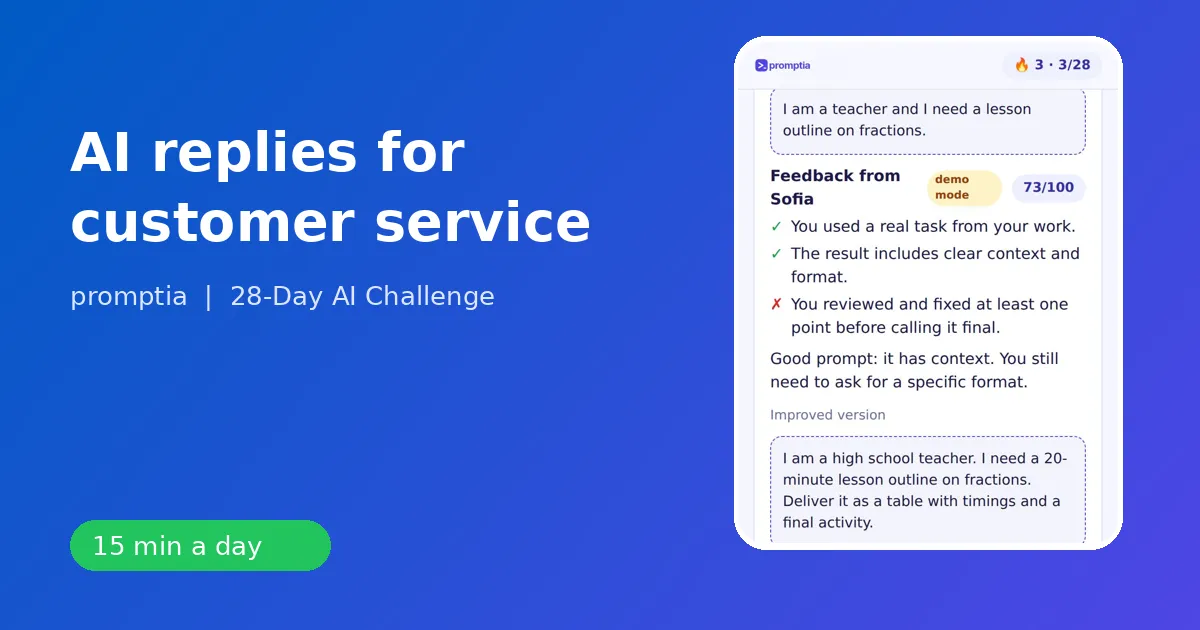
ChatGPT helps customer service and sales reps most by turning a complaint, a policy and a tone into a clear reply draft in seconds, which you read, adjust and send. The win is not volume for its own sake. It is that the hardest part of a reply, getting the first sentence and the structure right, stops eating your time.
Here is how to do it well: the prompt structure, five scenarios with examples, the guardrails and how the customer-service track of 28-Day AI Challenge from Promptia builds the habit.
The structure of a good support prompt
The same four parts apply: role, context, task, format. For support, context is everything. The assistant needs the situation, the policy and the tone.
You are a senior support agent for an online store. A customer received a damaged mug and is upset. Our policy: replacement or refund within 30 days, photo required. Write a warm, concise reply of about 90 words that apologizes once, explains the next step and asks for a photo. No emojis.
The result needs very little editing because you supplied what only you know.
Five scenarios
1. The upset customer
Ask for empathy without drama: Write a reply that acknowledges the frustration in one sentence, takes responsibility where we are at fault and gives the new delivery date. Then iterate: Shorter. Remove the second apology.
2. The repeated question
Turn your best answers into a library. Create a prompt like Rewrite this macro for a customer who asked about [topic]. Keep policy text unchanged but adapt the greeting and the examples. This is exactly what day 7 of the challenge, "My prompt library," trains.
3. Long threads
Paste a trimmed, anonymized thread: Summarize this conversation in three bullets: the issue, what we promised, what is still open. Then draft the next message. Handoffs between agents become cleaner.
4. Tone shifts
The same facts for a premium client versus a casual one: Rewrite for a formal B2B contact, then for a friendly consumer. Few-shot examples make this precise. Paste two past replies in the voice you want and say "write the next one like these."
5. Follow-ups to prospects
For the sales side of the track: Draft a follow-up to a prospect who asked for pricing and went quiet. Two short paragraphs, one clear question, no pressure. The day-1 example for this job in 28-Day AI Challenge is a friendly reply to a typical complaint, and later days extend it to proposals and outreach.
Guardrails that keep you out of trouble
- Never paste personal data. Mask names, emails and order numbers.
- State your policy in the prompt. Otherwise the assistant may invent a refund window.
- Read every draft. You are accountable for what is sent.
- Escalate sensitive cases. Legal threats, safety issues, accessibility complaints and anything emotional go to a human with full context.
- Check facts. Delivery dates, prices and product specs must be confirmed from your system, not the assistant's guess.
The four-week plan for support and sales roles
In 28-Day AI Challenge, you tell the quiz your job, and the lessons use examples from it. A rep sees reply drafts and customer conversations.
Week 1 teaches the structure and the habit of iterating. Day 4, "Give a role, tone and examples," is the one that fixes brand voice. Day 6 is verification.
Week 2 covers professional emails and messages, structured documents such as a FAQ guide for customer support, data analysis with tables (for ticket categories and response times), meeting minutes and follow-up, and a personal workflow for a weekly task.
Week 3 adds images, presentations and short video. A support lead can make a short onboarding clip or a visual guide for a recurring question.
Week 4 is about automation and custom assistants. You create an assistant with your instructions and documents, a first-line draft helper trained on your policy text, and chain tools for a whole task. Day 28 is a 90-day plan.
Every day takes 10 to 15 minutes. You do the exercise, answer two quiz questions and, if you want feedback, paste your prompt into the coach to see what is missing. The coach has a daily limit.
Measuring your own result
Pick one metric you control: time to first draft for a typical complaint, or the number of macros you rewrote. Measure it before day 1 and after day 28. That is better than any generic promise.
A weekly routine for a support team
- Monday: update your prompt library with the three most common questions from last week.
- Wednesday: run one tough ticket through the "summarize then draft" flow and compare to your usual time.
- Friday: review three AI-assisted replies for accuracy and tone, then tweak the prompts.
Small, repeated reviews keep quality high and prevent the drift that makes automated replies sound robotic.
What this does not do
It does not replace judgment, empathy or knowledge of your product. It does not know your policies unless you supply them. And it does not remove the need for human review. What it does is give you a strong first draft, quickly, every time.
Next steps
If you want to understand the skill underneath, read what a prompt engineering course should cover. For team-wide rollout, see AI training for employees. To decide which tools to try, the best AI tools for work lists the first ones to learn, and what an AI coach does explains the feedback loop.
Start tomorrow with one real ticket: write the brief, supply the policy, edit the draft, and save the prompt. By next week you will have a library that pays you back every day.
A worked example: three rounds on one ticket
A customer writes that a subscription renewed after they asked to cancel. They are angry and mention they will dispute the charge. Your policy: refunds within 14 days of renewal, cancellations processed within one business day.
Round one. You are a senior support agent. Customer is angry about a renewal after a cancellation request. Policy: refund within 14 days of renewal; cancellations take one business day. Draft a calm reply of about 100 words: acknowledge, explain what happened without blaming them, offer the refund and confirm the cancellation.
Round two. Remove the explanation of our process, it sounds defensive. Add one sentence with the timeline for the refund. Keep the subject line short.
Round three. Check the draft against the policy above and list anything that promises more than the policy allows.
In about five minutes you have a reply that is accurate, calm and in the right voice, and a reusable prompt that you can save under "Renewal complaint" in your library. This is the loop every daily exercise trains: brief, iterate, verify, save.
Using the saved prompts with a team
Share your library in a simple document with the name of each prompt, when to use it and the placeholders to fill in. New colleagues ramp up faster, and replies across the team become more consistent. Review the library monthly and retire any prompt that produces drafts you often rewrite.